 GR Recipe Studio
Account deletion
Delete your GR Recipe Studio community account
You can start full account deletion from App Settings in the app, or request deletion of specific community data without deleting your full account. When the configured deletion service completes successfully, it deletes your Supabase-backed community account and community data, while your private on-device recipe library remains on the device.
How to find the deletion entry point
- Open GR Recipe Studio and go to the Profile tab.
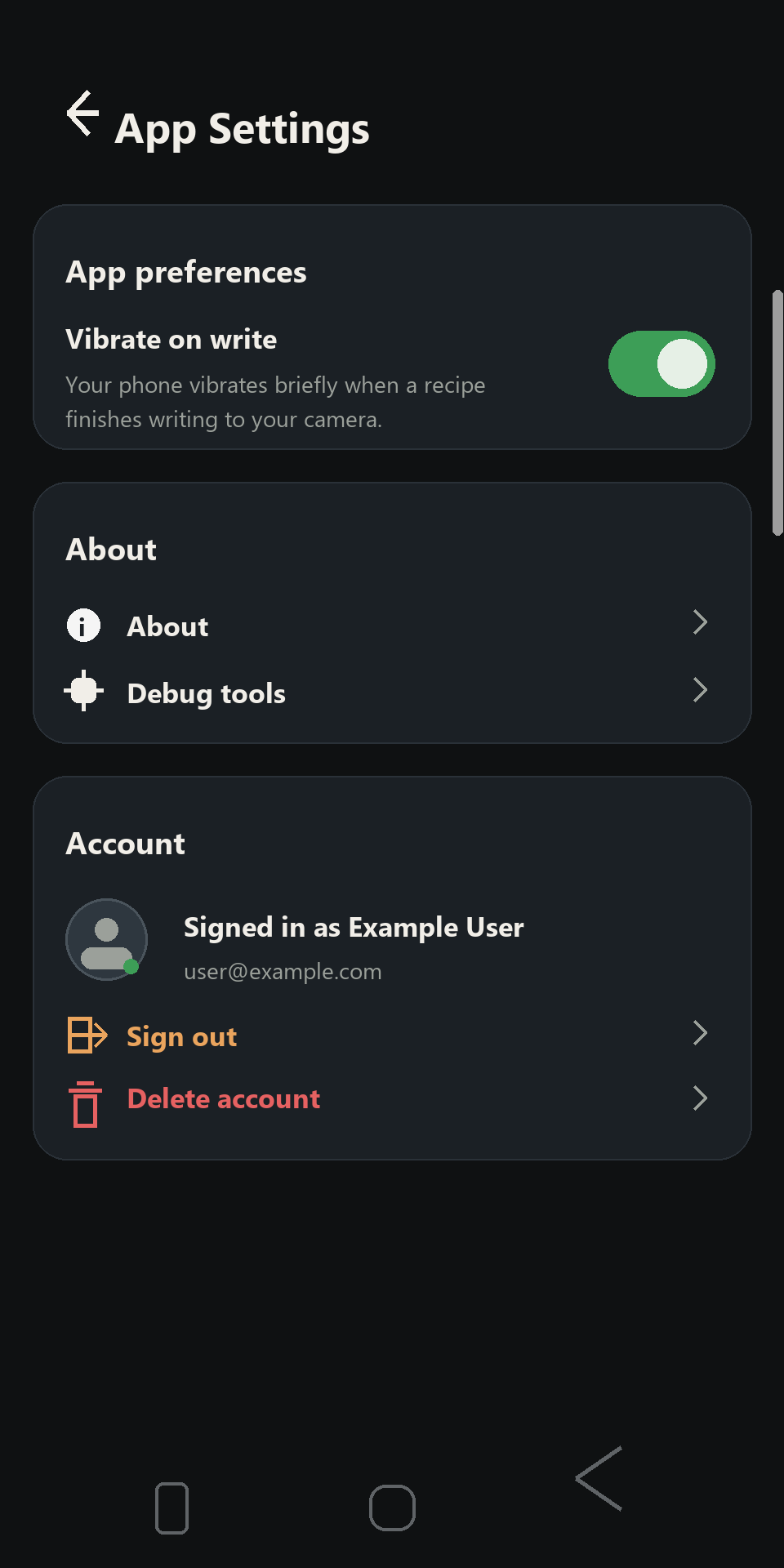
- Tap the settings gear in the top-right corner.
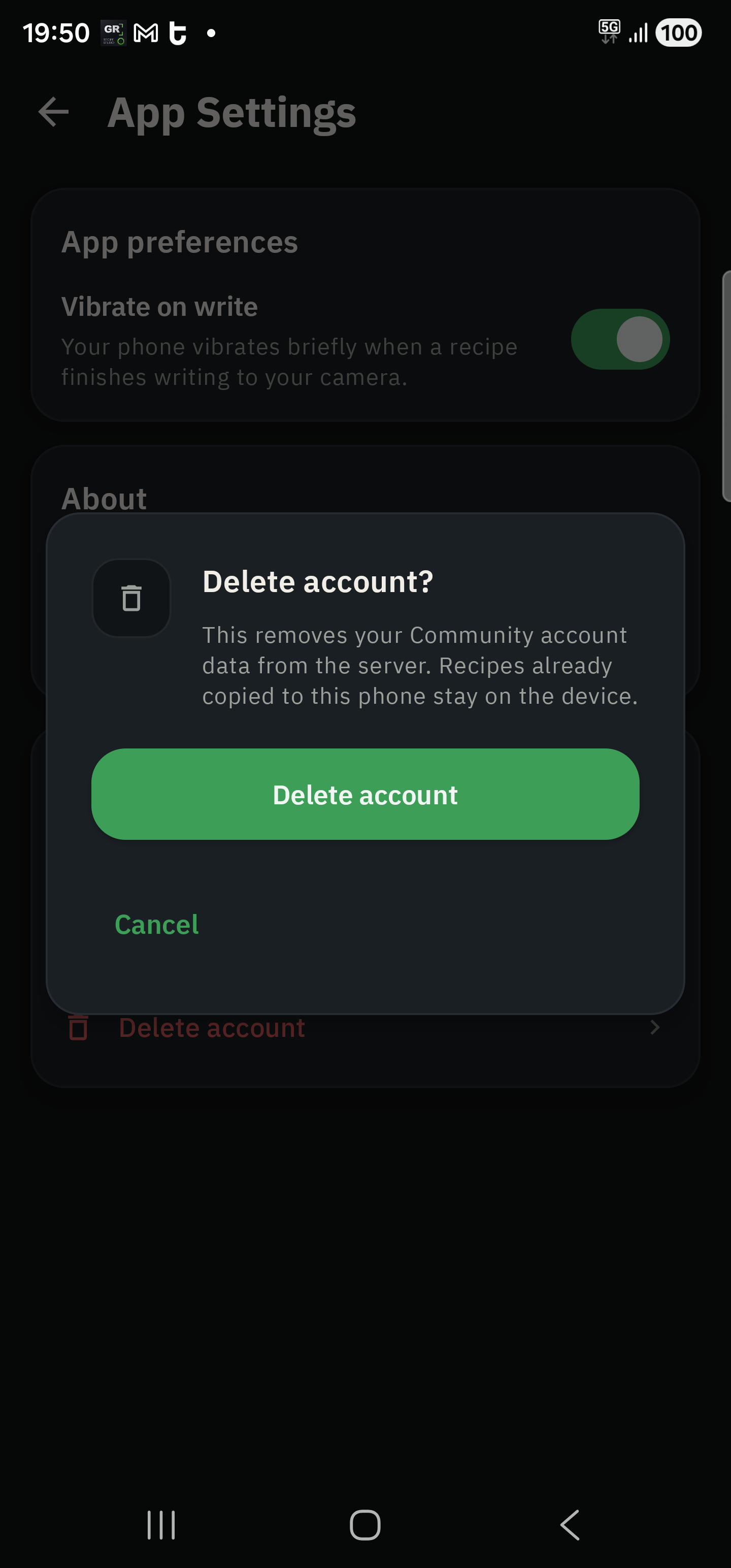
- In App Settings, open the Account section and choose Delete account.
- Confirm the deletion dialog.
Request deletion of specific data
You can request deletion of specific community data without deleting your full community account. Email gompholabs@gmail.com from the email address used for your GR Recipe Studio community account and describe what you want deleted.
Examples include:
- Public creator profile details.
- Published community recipes owned by you.
- Uploaded public avatar or recipe-cover images owned by you.
- Recipe likes, saves, follows, blocked-creator records, notification preferences, or Community rules acceptance records tied to your account.
- Community reports submitted by you, where deletion is compatible with safety, moderation, and legal obligations.
If you only want to remove private on-device data, you can delete local recipes in the app, clear GR Recipe Studio storage in Android settings, or uninstall the app.
Remote data deleted
When account deletion completes successfully, GR Recipe Studio deletes the server-side community data tied to your signed-in account:
- Public creator profile.
- Published community recipes owned by you.
- Recipe likes owned by you.
- Recipe saves owned by you.
- Community reports submitted by you.
- Creator block records where you blocked someone or your profile was blocked.
- Community rules acceptance records tied to your account.
- Uploaded public avatar and recipe-cover assets owned by you.
- Your Supabase Auth user account.
Local data that stays on-device
Account deletion is for the community account. It does not erase private local data from your phone:
- Your local Room recipe library.
- Local imported photos and recipe working copies.
- Other local device settings unless you clear them separately.
If you also want to remove local data, delete recipes in the app, clear the app storage in Android settings, or uninstall the app.
Need help?
If you cannot access the app or the in-app deletion flow fails, contact gompholabs@gmail.com from the email address used for your community account. The public deletion page is also the fallback destination when the app cannot use the configured in-app deletion service.